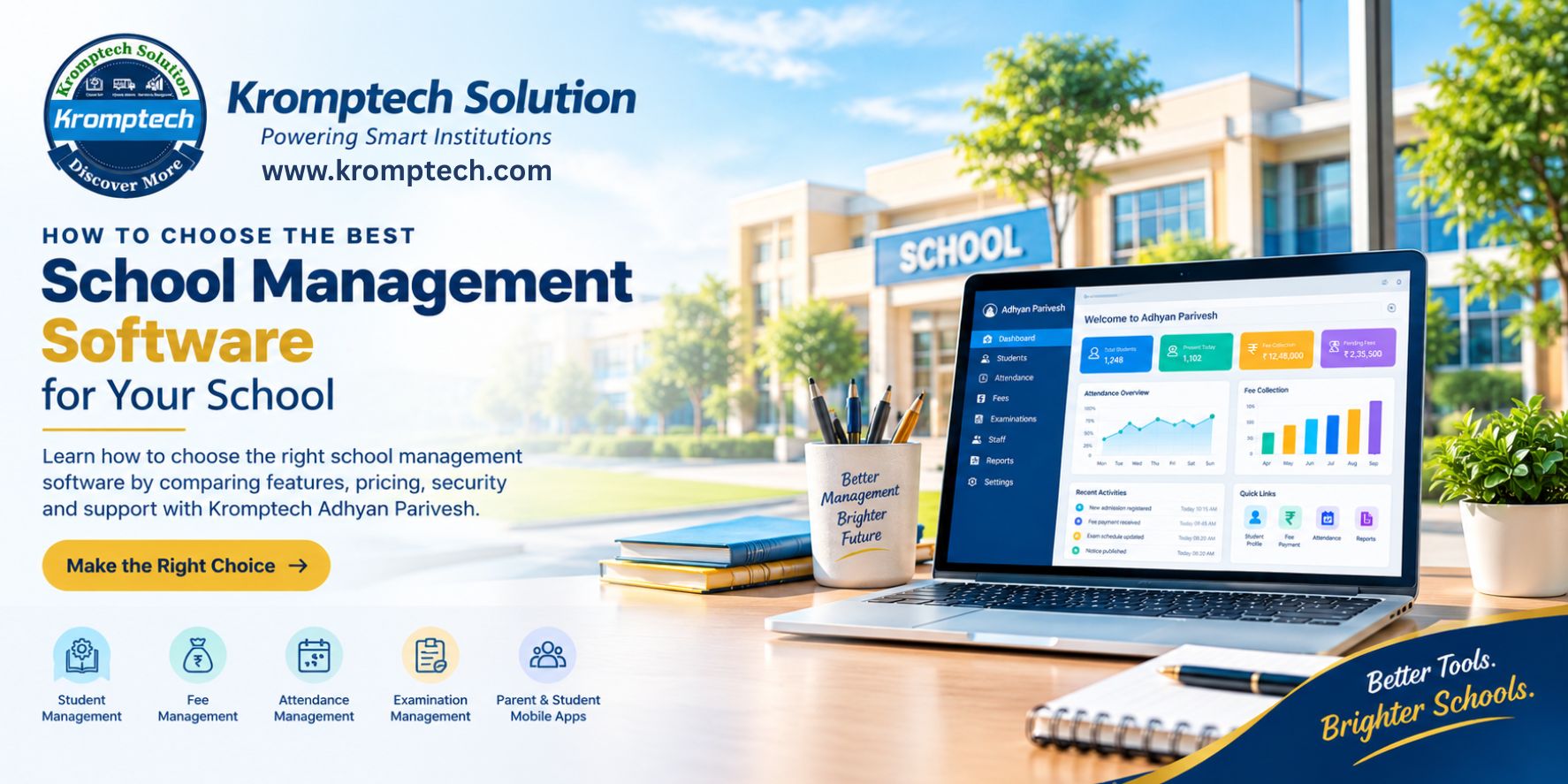
How to Choose the Best School Management Software for Your School
Selecting school management software is an important decision for school owners, principals and administrators.
The right system can help organise records, simplify administrative processes and support communication. The wrong system may introduce unnecessary complexity, unexpected costs or workflows that do not match the school's needs.
Before choosing a provider, schools should evaluate the features, usability, security, support and overall value of the solution.
1. Identify Your School's Requirements
Start by listing the administrative tasks your school wants to improve.
These may include:
Student admission and record management
Fee collection and payment tracking
Student and staff attendance
Examination management
Timetable and academic records
Parent and student communication
Reports and administrative dashboards
Separate essential features from optional features. This helps you avoid paying for functionality your school may not need.
2. Evaluate the Software Features
Do not select an ERP based solely on the length of its feature list.
Ask the provider to demonstrate your actual workflows, such as registering a student, assigning a fee plan, recording attendance or preparing a report.
Check whether the required functionality is included in the proposed edition or requires additional configuration.
3. Check Ease of Use
A school ERP may be used by administrators, teachers, accountants and other staff members with different levels of technical experience.
Look for clear navigation, understandable screens and straightforward daily workflows.
Ask for a demonstration and let representatives of different departments test the system.
4. Evaluate Mobile Applications
Parents and students increasingly expect convenient access to school information.
If mobile apps are important to your institution, check supported functions, login methods, notification settings, compatibility and integration with the school ERP.
Do not assume that every feature available on the web platform is also available in the mobile application.
5. Review Security and Data Protection
School systems may store personal information about students, parents and employees.
Ask the provider about:
User roles and access permissions
Backup and recovery procedures
Account security
Data export and retrieval
Data retention and deletion
Security incident handling
Applicable privacy and data protection obligations
The school should understand its own responsibilities as well as those of the software provider.
6. Compare Pricing Transparently
Compare providers using the full expected cost rather than the advertised starting price alone.
Check subscription charges, implementation fees, optional modules, integrations, training, maintenance and renewal terms.
Ask for written confirmation of the applicable charges and any conditions.
7. Evaluate Implementation and Support
A successful ERP implementation involves more than installing software.
Schools may need data preparation, user training, configuration, testing and assistance during the transition.
Ask about onboarding timelines, support channels, escalation procedures and the responsibilities of both the school and the provider.
8. Test the System Before Deciding
Arrange a live demonstration or trial where available.
Use realistic examples and verify that the system supports your school's workflows.
Create a simple evaluation scorecard covering:
Feature suitability
Ease of use
Mobile functionality
Security and backups
Implementation and support
Total cost
Data export options
Compare providers using the same criteria so that the decision is more objective.
Explore Kromptech Adhyan Parivesh
Kromptech Adhyan Parivesh provides school ERP options for institutions with different requirements.
Adhyan Parivesh Pro is positioned for medium and large schools.
Adhyan Parivesh Lite is positioned for smaller schools.
Schools can review the available product information, discuss their workflows with the Kromptech Solution team and request clarification about modules, pricing, implementation and support before making a decision.
Product website: https://adhyanparivesh.kromptech.com/
Lite website: https://adhyanpariveshlite.kromptech.com/
Frequently Asked Questions
What features should school management software include?
The essential features depend on the institution, but common requirements include student records, fee management, attendance, academics, reporting and appropriate communication tools.
How much does school management software cost?
Pricing varies by provider, school size, selected edition, modules, integrations and support arrangements. Request a detailed quotation before deciding.
Should a school choose cloud-based software?
Cloud-based software can provide convenient access across supported devices, but schools should assess internet requirements, security, backups, availability and data management arrangements.
How long does school ERP implementation take?
Implementation time varies with data quality, school size, configuration, training and integration requirements. Ask the provider for a realistic implementation plan.
How can I compare Kromptech Adhyan Parivesh with other solutions?
Request a demonstration, document your requirements and compare the available features, costs, security measures and support commitments with those of other providers.
Conclusion
The best school management software is not necessarily the platform with the most features. It is the solution that fits your school's requirements, is practical for staff to use, protects information and provides suitable long-term support.
Take time to evaluate your options and test the workflows that matter most.
Choose Smart. Manage Better. Build a Smarter School with Kromptech Adhyan Parivesh.
Kromptech Solution — Powering Smart Institutions.